Understanding CPU, GPU, and RAM: What Really Matters
Discover how CPU, GPU, and RAM drive real-world speed, what specs matter most, and how to balance them for gaming, creative work, and everyday tasks.
The Role of the CPU
The CPU is the general‑purpose brain that coordinates every task your system performs. It responds to input, schedules work, and hands off graphics‑heavy jobs to the GPU when appropriate. Real performance comes from a blend of cores, threads, clock speed, and instruction per clock (IPC). More cores help with parallel workloads, while high single‑thread speed benefits apps that rely on fast serial execution. A healthy amount of cache reduces trips to system memory, cutting latency and boosting responsiveness. Turbo behavior can raise performance in short bursts, but sustained speed depends on cooling, power limits, and system design. Everyday activities like web browsing, office work, and light photo edits prefer snappy single‑core performance, while compiling code, large spreadsheets, and complex multitasking scale with more cores. Background services and many browser tabs consume CPU time; a stronger processor can mask this overhead, but good software hygiene still matters. When choosing a CPU, consider your workflow mix, not only raw frequency numbers, and aim for efficiency, thermals, and consistent responsiveness.
Why the GPU Matters
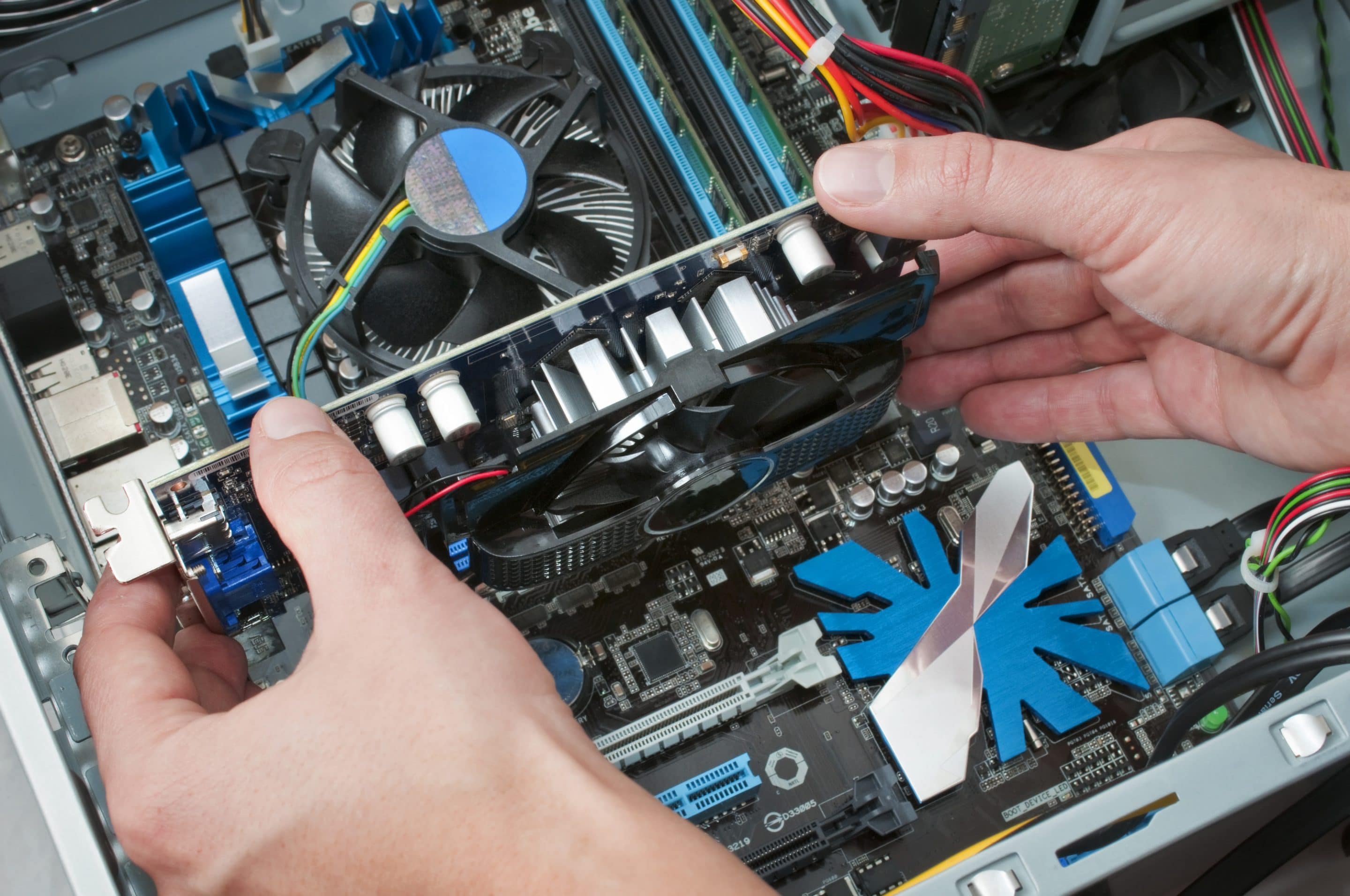
The GPU is a massively parallel engine built for visual computing and accelerated math. It excels at rasterization, modern lighting techniques including basic ray tracing, video effects, and compute tasks like AI‑assisted filters. For gamers and creators, the GPU often dictates smoothness and visual fidelity. Two factors dominate: raw processing power and VRAM capacity with adequate bandwidth. Higher resolutions and refresh rates demand more throughput and memory. If VRAM is too small, the system shuffles textures over slower paths, causing hitching. Decide between integrated graphics and discrete graphics based on needs. Integrated solutions save power and cost for light gaming and media, while discrete cards deliver stronger performance for high‑detail scenes, 3D work, and accelerated encoding. Hardware encoders and decoders speed up streaming and video exports. Thermals and power delivery shape sustained performance, so a well‑cooled chassis or laptop with solid airflow can keep clocks higher for longer. Balance the GPU with your CPU to avoid one idling while the other struggles.
RAM: Capacity, Speed, and Latency
RAM is your short‑term workspace. Too little capacity forces the system to swap to storage, causing stalls and long pauses. Aim for enough headroom to keep your typical apps, browser tabs, and creative projects resident in memory. After capacity, speed and latency matter. Faster memory with lower timings improves bandwidth and reduces wait times for the CPU and integrated graphics. Running dual‑channel or wider memory channels doubles practical throughput compared with a single module, which is especially helpful when an integrated GPU shares system memory. Ensure your modules operate at their rated frequency and timings in firmware settings, since default modes may be conservative. Workloads influence priorities: video editing and large photosets like more capacity, competitive gaming benefits from lower latency, and virtual machines appreciate both. Keep modules matched for best compatibility, and reserve some overhead for growth, system updates, and background tools. The right mix of capacity, speed, and channels keeps your system responsive under real multitasking.
Balancing Components and Avoiding Bottlenecks
A great system is about balance. A top‑tier GPU paired with a modest CPU may be underutilized at low resolutions where the processor sets the pace; the reverse happens at very high resolutions where the GPU dominates. Insufficient RAM can choke both, forcing slow disk swapping. Storage affects feel as well: a fast SSD will not raise frame rates, but it slashes load times, speeds project opens, and reduces stutter from asset streaming. Watch out for thermal throttling and noise. Constrained cooling or dust buildup lowers clocks on CPUs and GPUs, hurting consistency even if headline specs look impressive. Power delivery matters, too; a system starved of power cannot sustain boost behavior. For smooth experiences, focus on steady frame time rather than peak frame rate alone. In portable devices, slim designs trade sustained performance for size, so plan around realistic power and cooling limits. Balance your budget across CPU, GPU, RAM, storage, and cooling to minimize bottlenecks.
Practical Buying Tips and Future‑Proofing
Start with your workload. For gaming at your target resolution and refresh rate, prioritize the GPU, then choose a CPU that avoids limiting it in typical titles. For content creation, weigh VRAM and RAM capacity for large timelines and assets, plus CPU cores for encoding and effects. For general productivity, emphasize responsive CPU performance, ample RAM, and a fast SSD. Seek headroom rather than chasing only peak benchmarks. Consider the upgrade path: extra memory slots, available PCIe lanes, and a power supply with margin can extend system life. In laptops, evaluate thermal design, fan behavior, battery life, and port selection; thin systems favor efficiency over long boosts. Calibrate expectations to your environment and noise tolerance. Keep firmware and drivers current, tune background apps, and use sensible power profiles. Spend where it reduces waiting in your day, not just where numbers look large. A thoughtful, balanced build delivers speed you can feel now and flexibility for tomorrow.